 ShopyBuilder
Product page guidesand ecommerce tips
Step-by-step guides with screenshots for online sellers: announcement bars, FAQs, reviews, coupons, delivery dates and every section that helps a product page sell.
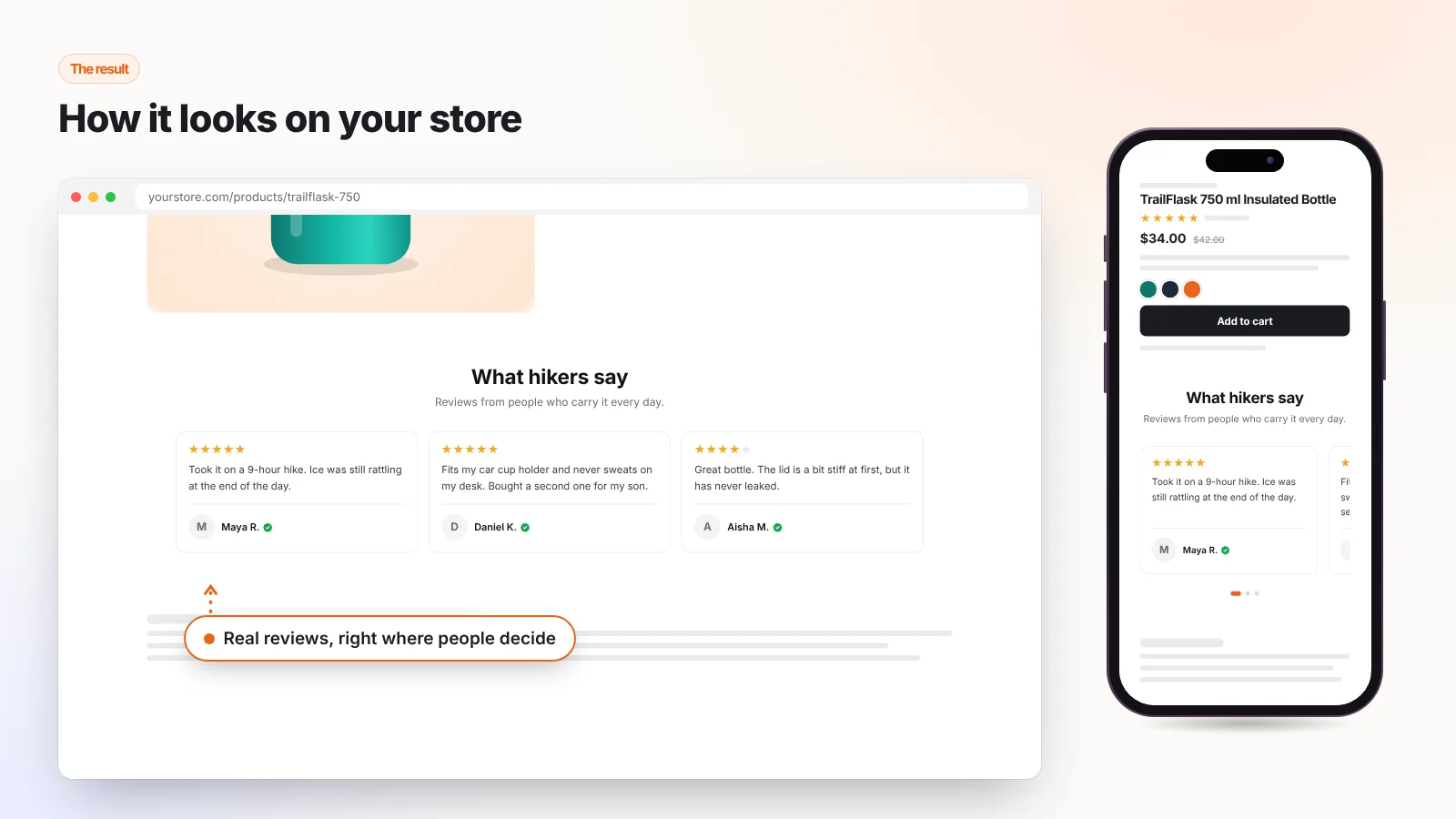
How to add customer reviews to your product page
People believe other buyers more than any product description. A reviews slider puts your best real reviews where people make up their minds.
Read nowLatest articles
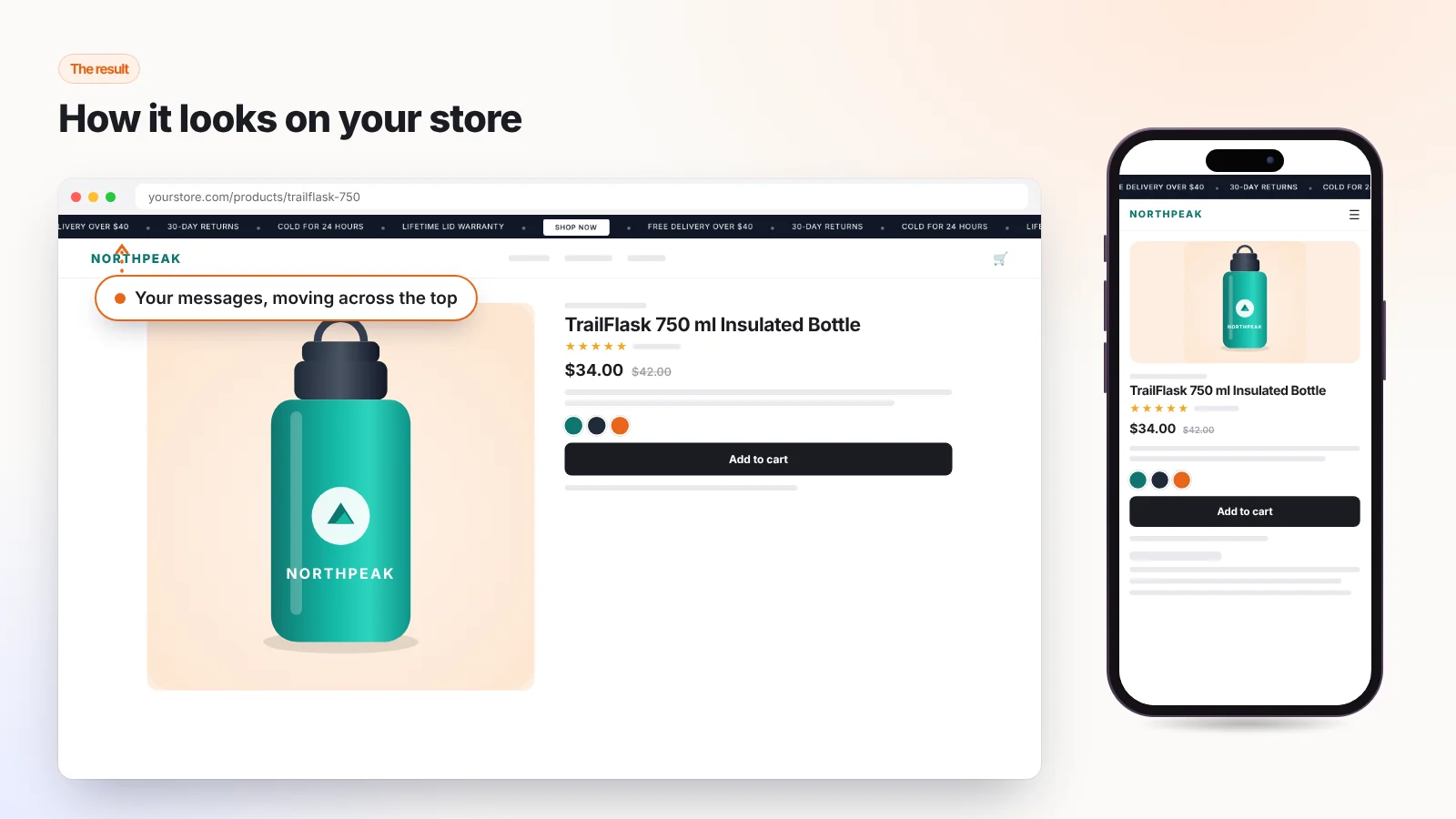
How to add a scrolling announcement bar to your website
Free delivery, easy returns, a warranty: you have more than one thing worth saying. A scrolling bar shows them all without taking more space.
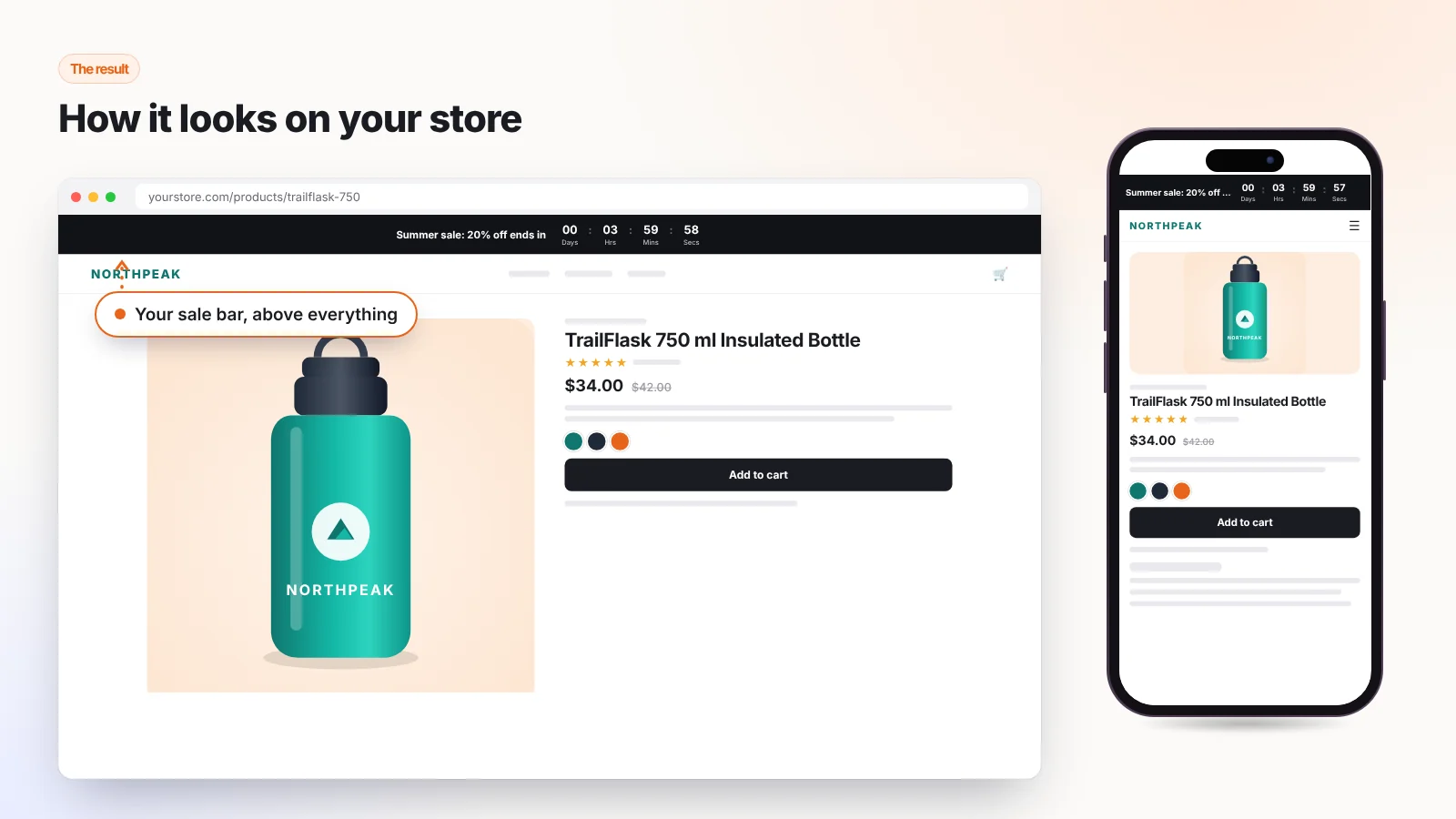
How to add an announcement bar with a countdown timer
Your sale is on, but half your visitors never notice it. A slim bar at the very top, with a timer that counts down, fixes that in a few minutes.
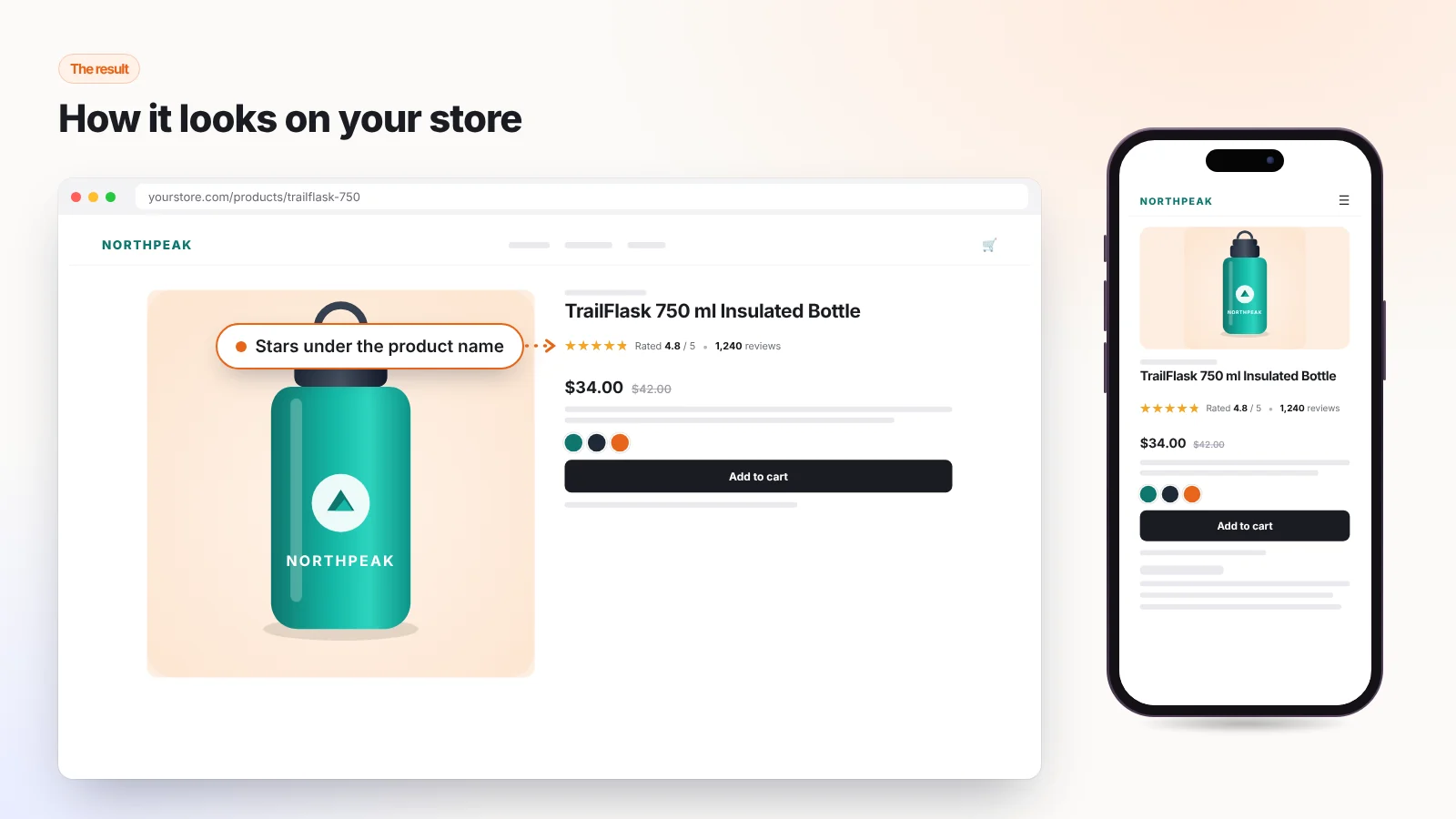
How to show star ratings on your product page
Before anyone reads a word, they look at the stars. A small rating under the product name answers "is this any good?" in one glance.
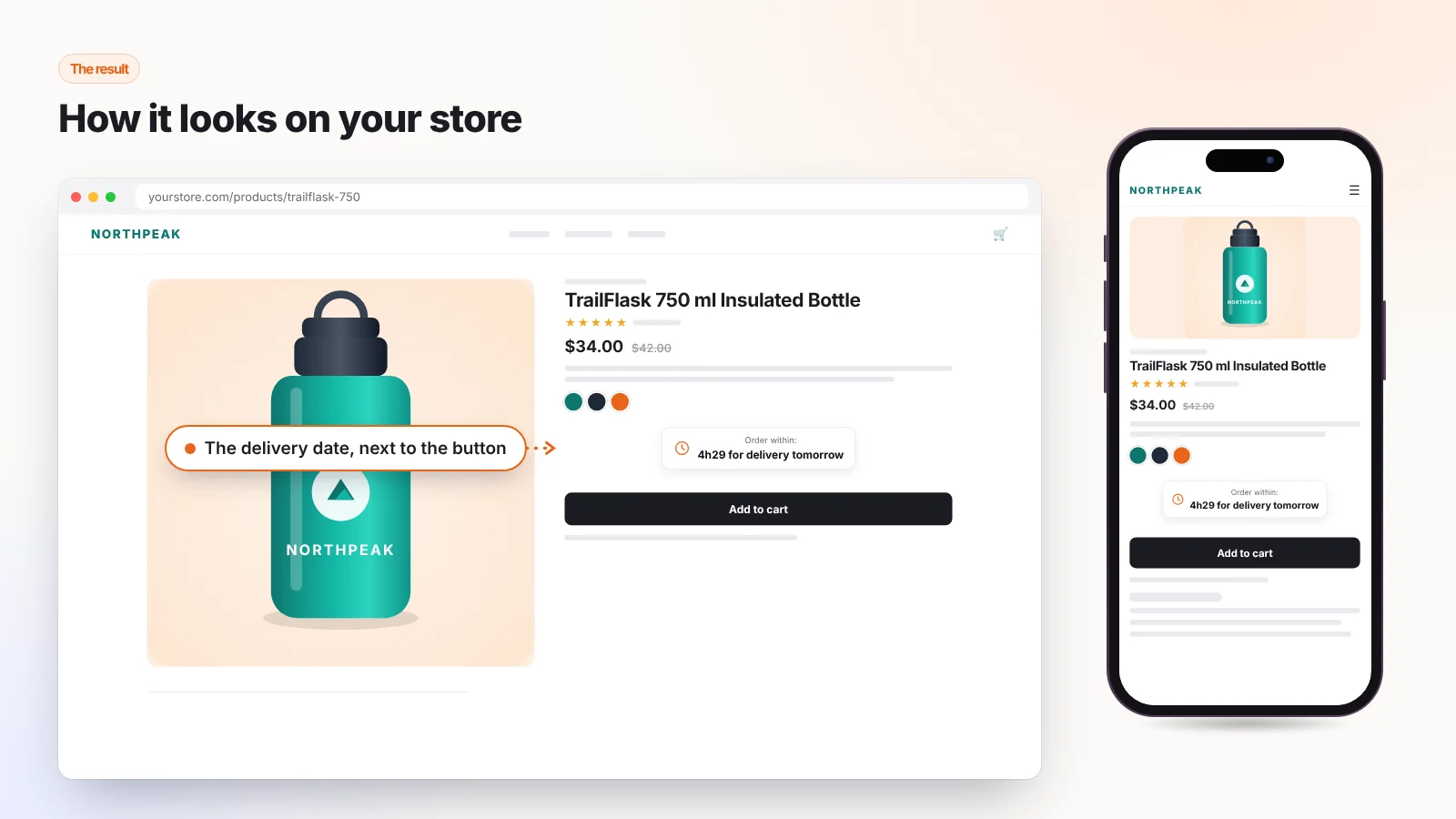
How to show an estimated delivery date on your product page
"When will it arrive?" is one of the last questions before someone buys. Answer it with a real date, right next to the button.
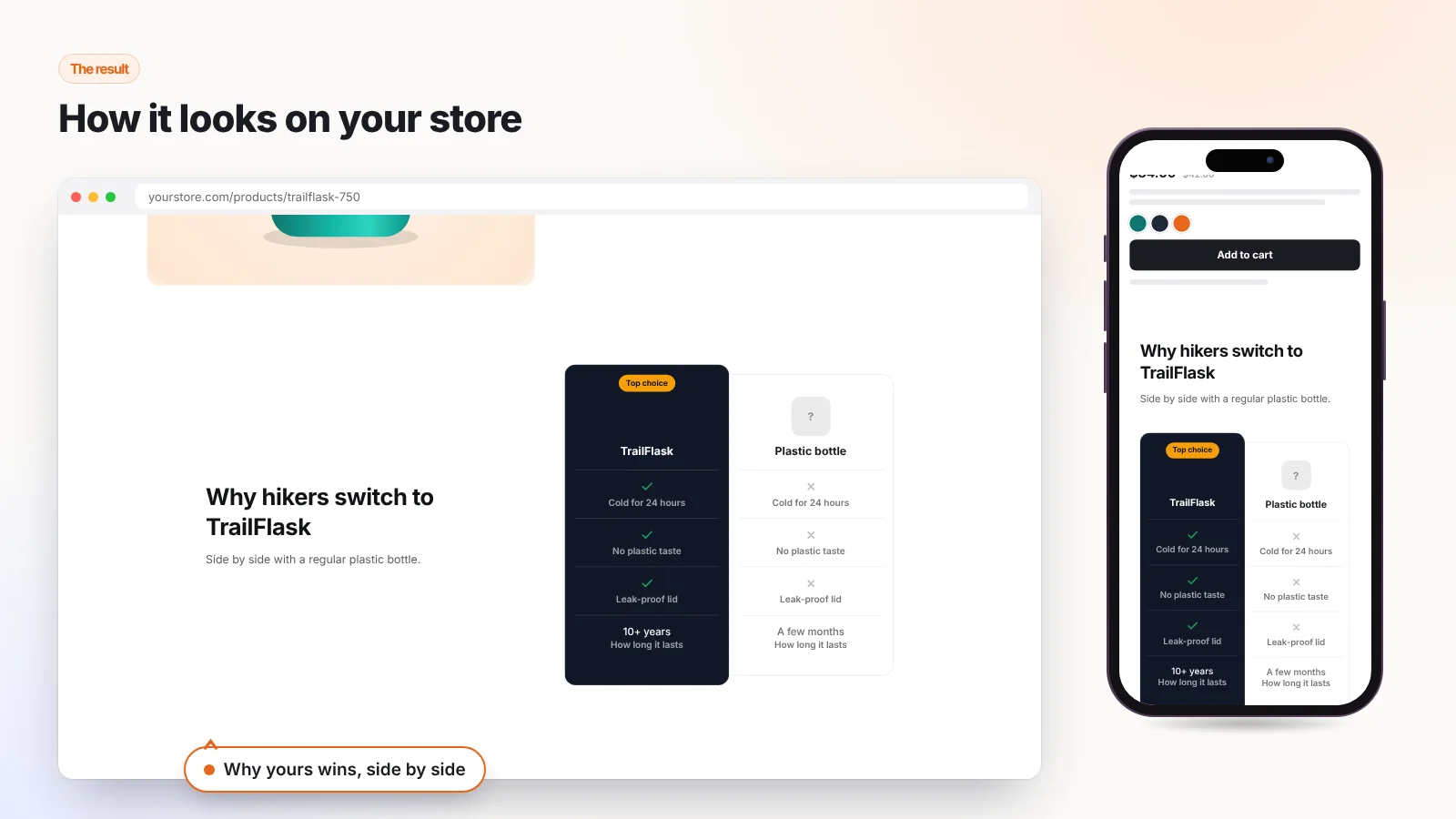
How to make an "us vs them" comparison section
Shoppers compare anyway, usually in another tab. A fair side-by-side comparison on your own page lets you show the difference clearly.
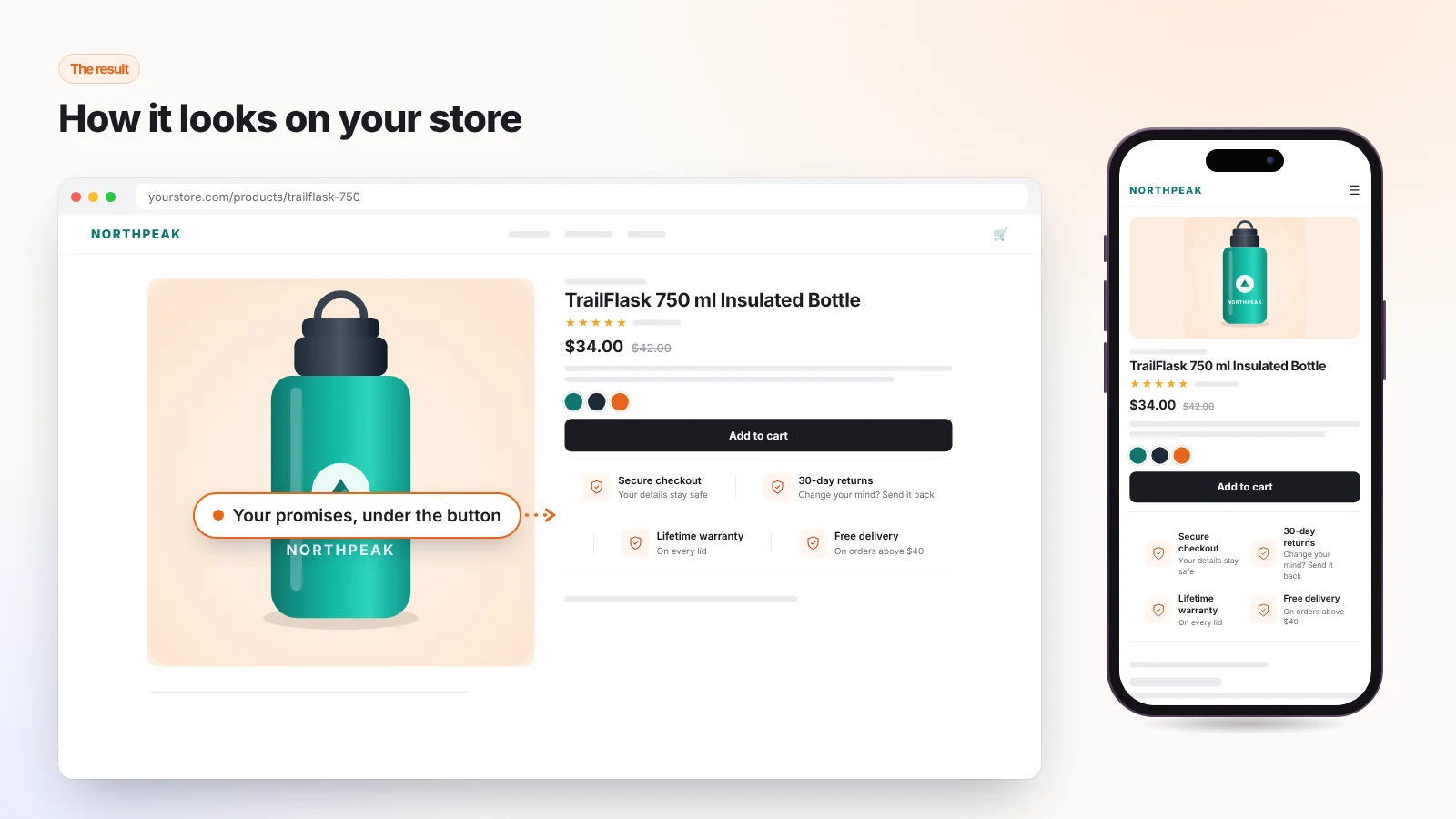
How to add trust badges to your product page
Free delivery, easy returns and a warranty only help if shoppers see them at the moment they decide. A trust bar puts them under the button.
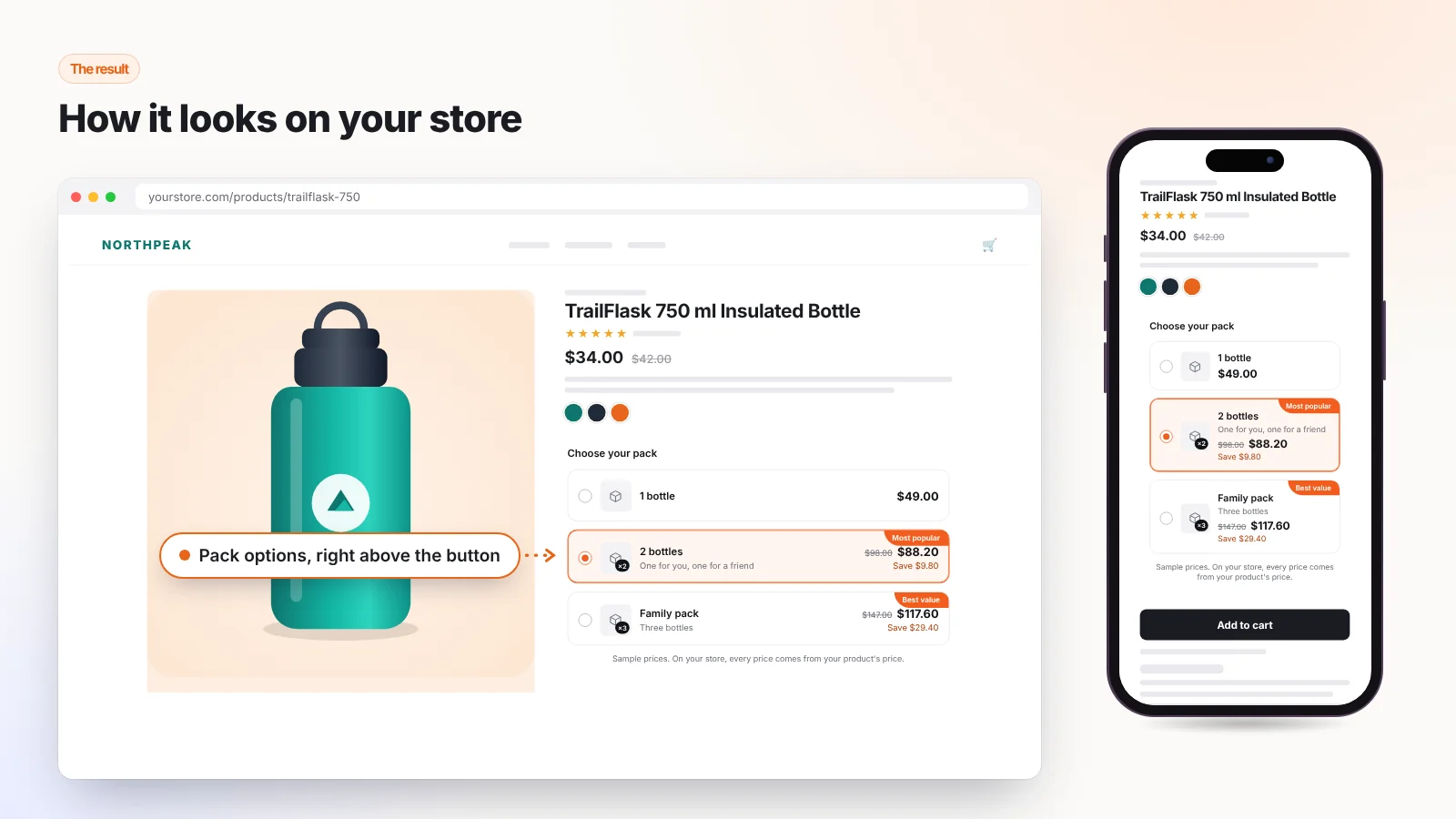
How to offer quantity discounts (buy more, save more)
Many shoppers would buy two if the saving were clear. Pack options with the price and saving side by side raise your order size without a store-wide sale.
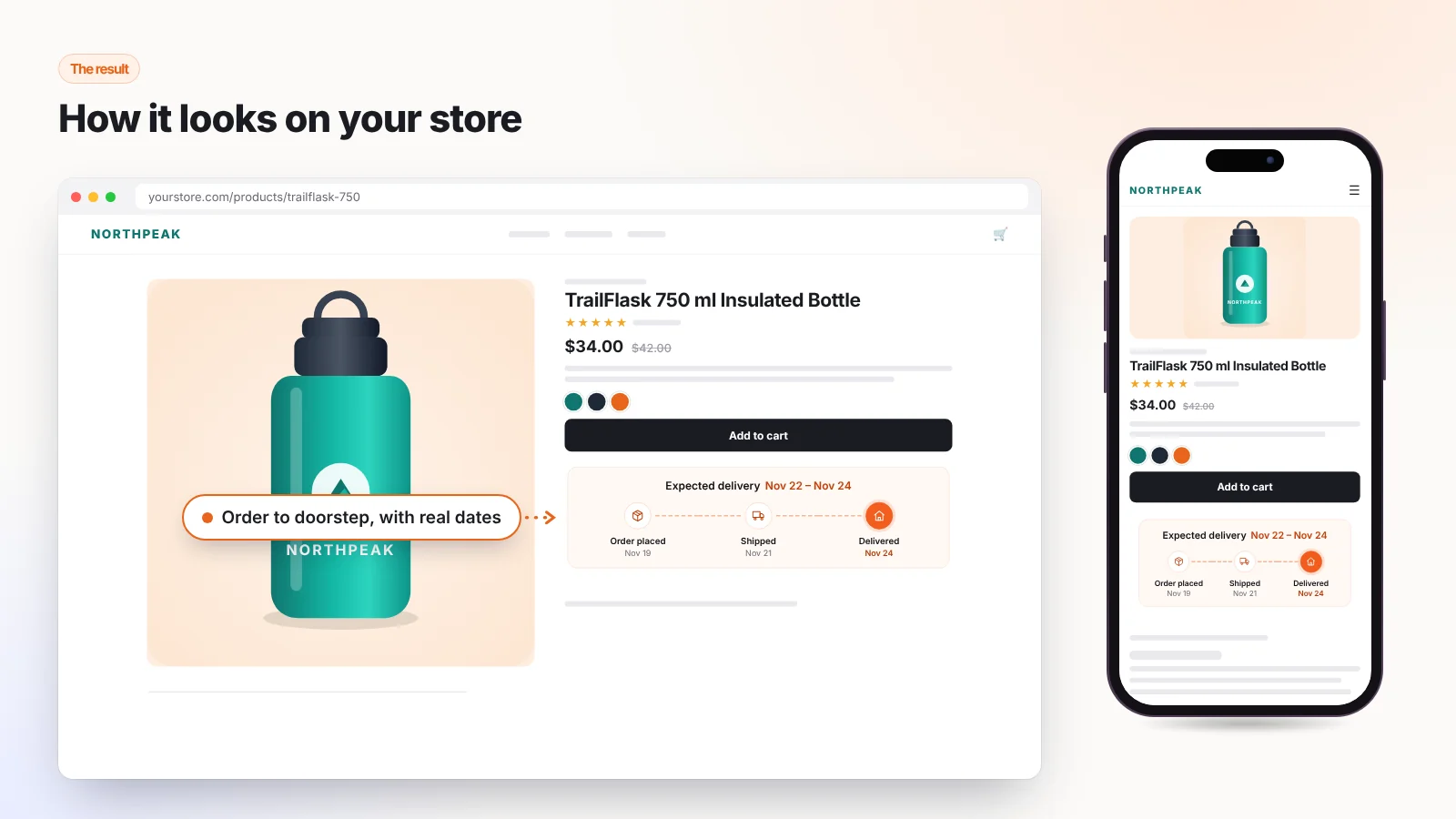
How to add an order and delivery timeline to your store
Ordered today, shipped tomorrow, at your door on Friday. Three steps with dates make delivery feel planned and real.
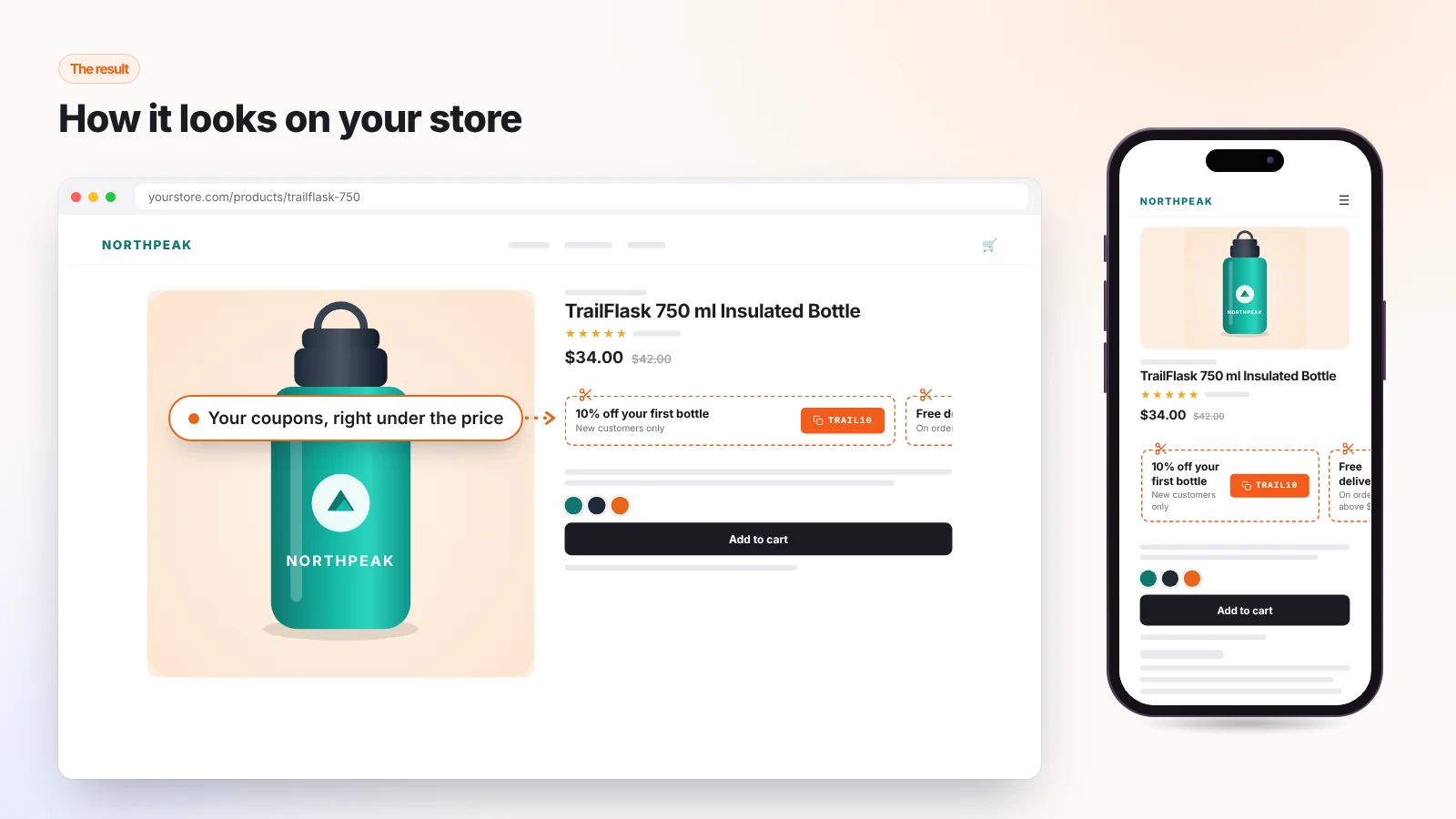
How to show coupon codes on your product page
A shopper reaches checkout, remembers there was a code somewhere, cannot find it, and leaves. Show the code on the product page and let them copy it with one tap.
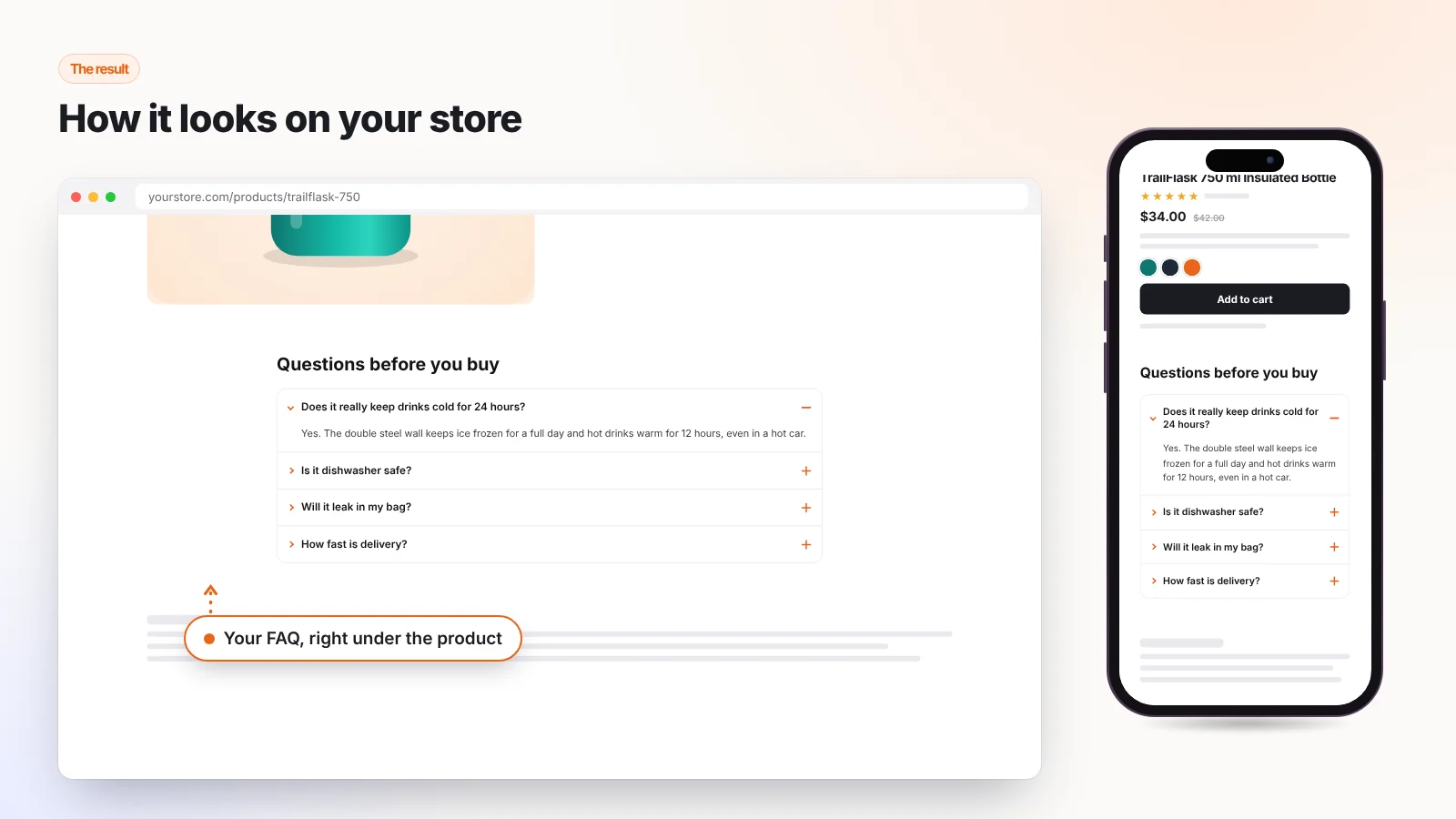
How to add an FAQ section to a product page
Most shoppers will not message you with a question. They just leave. An FAQ section answers them right where the doubt happens.
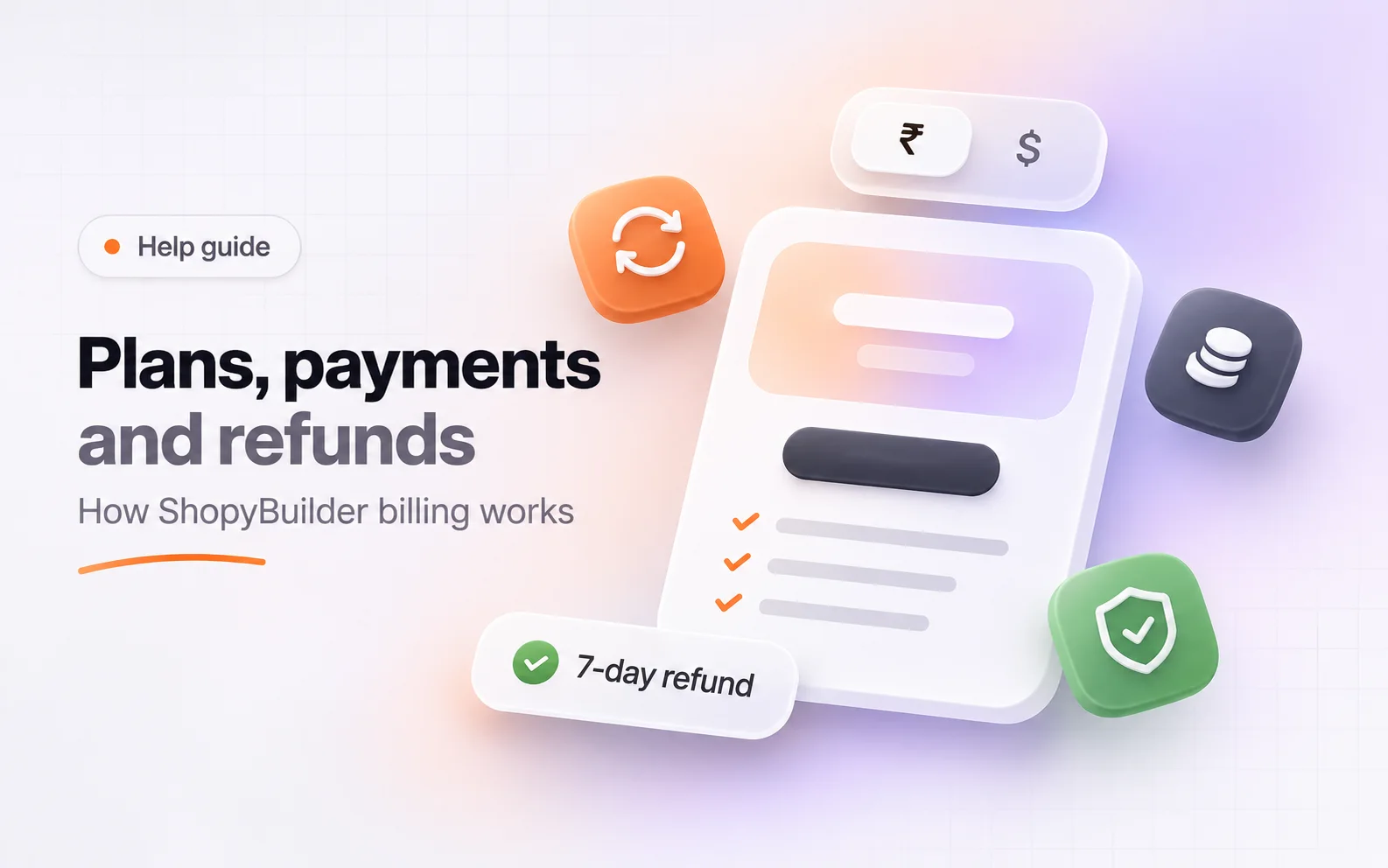
ShopyBuilder Plans, Payments and Refunds: How it All Works
Monthly plans in rupees or US dollars, Autopay, extra credits, how credits are used and when you get a refund.